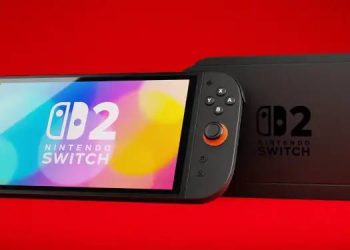

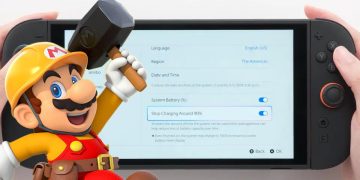



















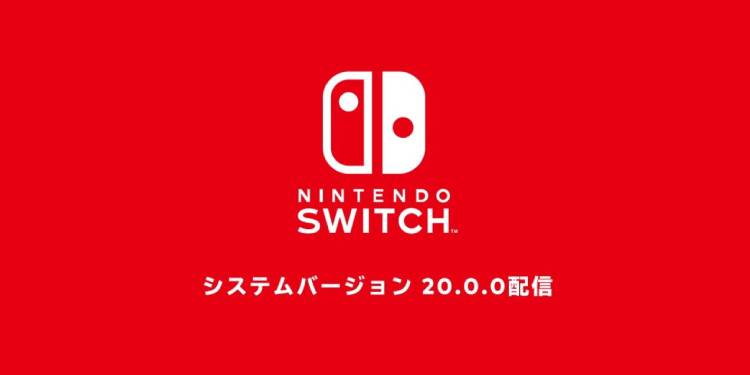
On April 30, 2025, Nintendo officially released firmware version 20 for the Switch, introducing several highly anticipated features. One of the most notable additions is the Virtual Game Card. This new feature allows users to load and eject games virtually, eliminating the need to repeatedly remove and insert physical game cartridges. It functions just like a regular game card, but in digital form.
With the Virtual Game Card, you can also lend your digital games to friends or household members — provided you’re part of a Nintendo Switch Family Membership. However, there’s a limitation: lending is restricted to a 14-day period, and you cannot play the game simultaneously with the person who borrowed it.

Another highlight is the new GameShare feature. This allows compatible software to be shared from a Nintendo Switch 2 system to a nearby system for local wireless play. However, both devices must be Nintendo Switch 2 units. GameShare does not support older models like the original Nintendo Switch, OLED Model, or Nintendo Switch Lite.
In terms of user control, Nintendo has added a User Verification Setting, which can be accessed via User > User Settings. You can now restrict access to Virtual Game Cards by requiring a PIN or Nintendo Account login.
Also included in this update is the Online License Setting. Once your console is connected to the internet, you can play downloaded software or purchased DLC without needing to load a Virtual Game Card. More details about this feature are available in the System Settings menu.
Other system enhancements include:
- The Nintendo eShop and Nintendo Switch News icons on the HOME menu have been updated with new colors.
- Users can now select and transfer multiple save data files at once via the Transfer Your Save Data menu.
- A new option for System Transfer to Nintendo Switch 2 is available under System Settings > System.
You can transfer system data locally between consoles or upload the data to a secure server if you’re unable to keep your old console. Be warned: uploading transfer data will factory reset your current Nintendo Switch, so only do this if you’re ready to complete the transfer on your new Switch 2. Internet access and a Nintendo Account are required for both local and server-based transfers.
However, there’s a critical issue users should be aware of before updating. Some users have reported that updating to version 20.0.0 has caused a boot error with the code 2206-1015, which prevents the console from starting properly. Nintendo has officially acknowledged this error through its Japanese support page on social media platform X (formerly Twitter).
The post reads:
“We are currently receiving inquiries from some customers about the occurrence of ‘Error Code: 2206-1015’ after updating to Nintendo Switch system version 20.0.0. We are currently investigating how to deal with this issue. We apologize for the inconvenience, and ask that you wait for further information.”

On Reddit, particularly in the NintendoSwitchHelp subreddit, one user shared their experience, asking: “Did the update just brick my Switch?” Some users suggested booting into Safe Mode and performing a factory reset, though this solution comes with risks and should be done at your own discretion.
For continued updates and Switch-related tips, you can visit witchihare.my.id.